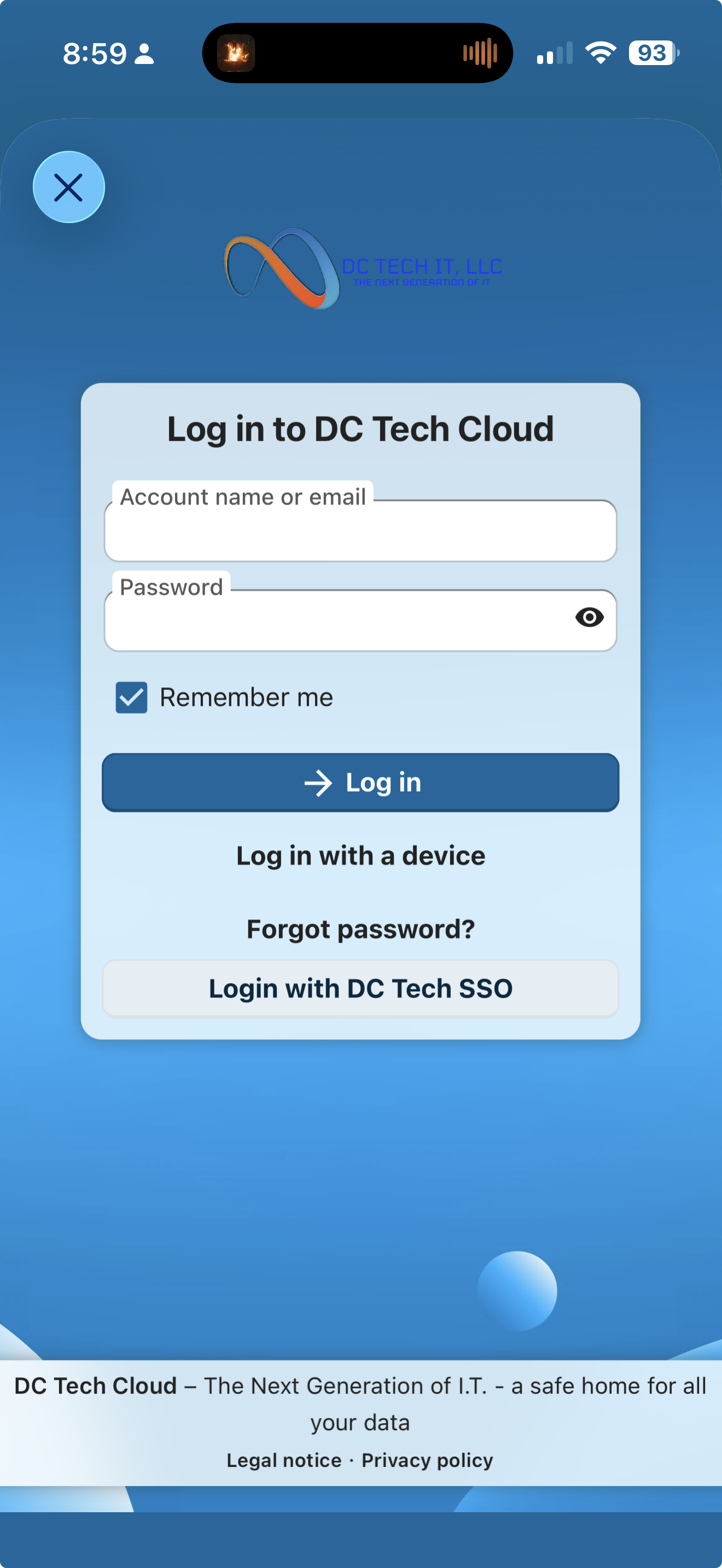
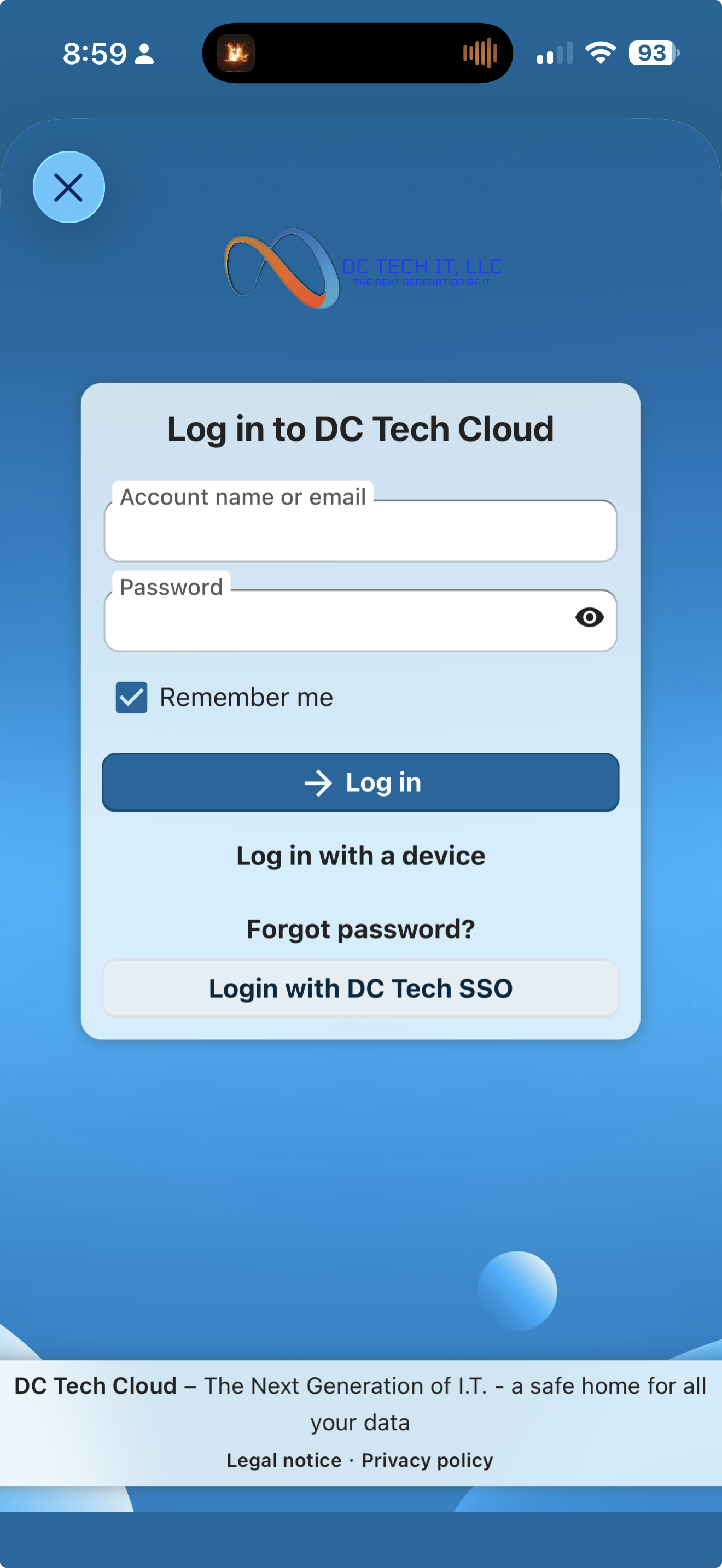
How to Download & Login NextCloud Talk
-
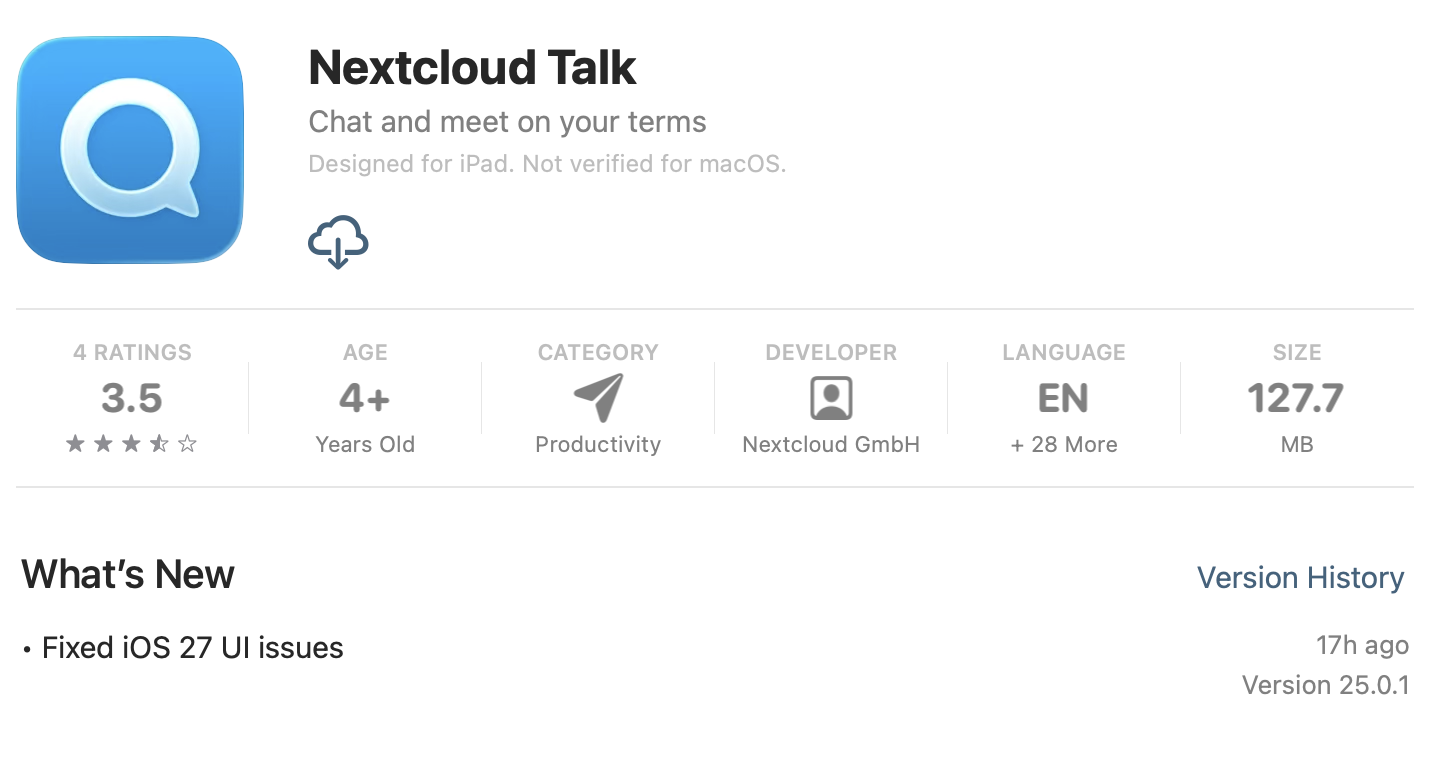
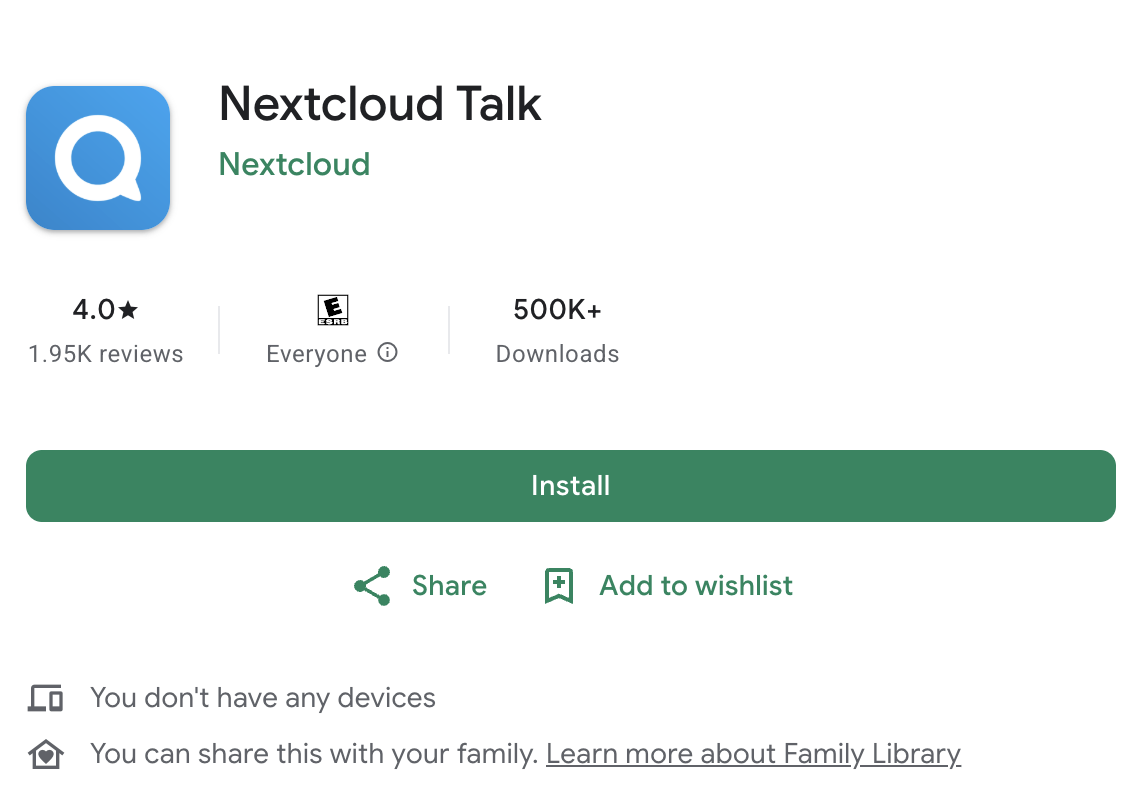
- Visit the app store & install app
- Apple: https://apps.apple.com/us/app/nextcloud-talk/id1296825574 & Tap Get
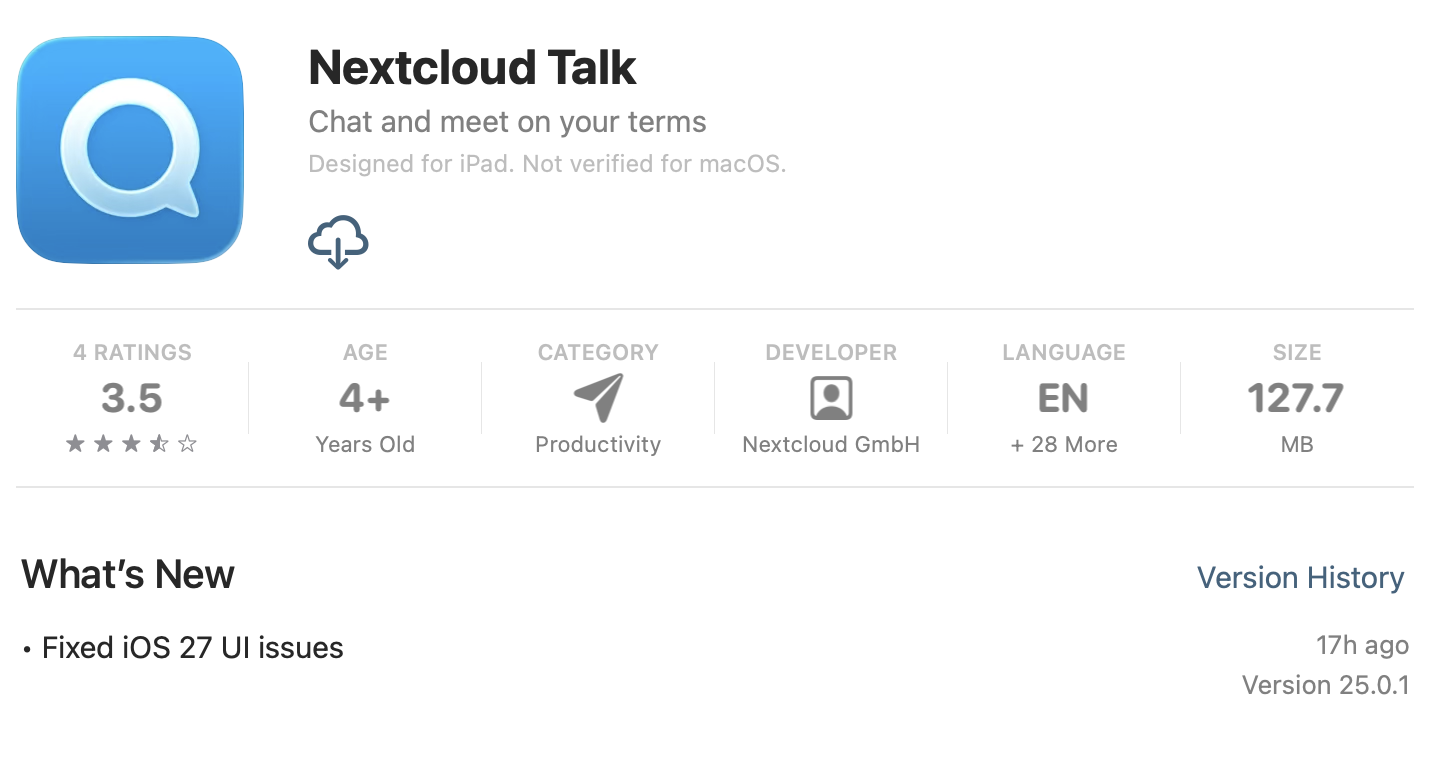
- Google Play: https://play.google.com/store/apps/details?id=com.nextcloud.talk2&pcampaignid=web_share & Tap Install
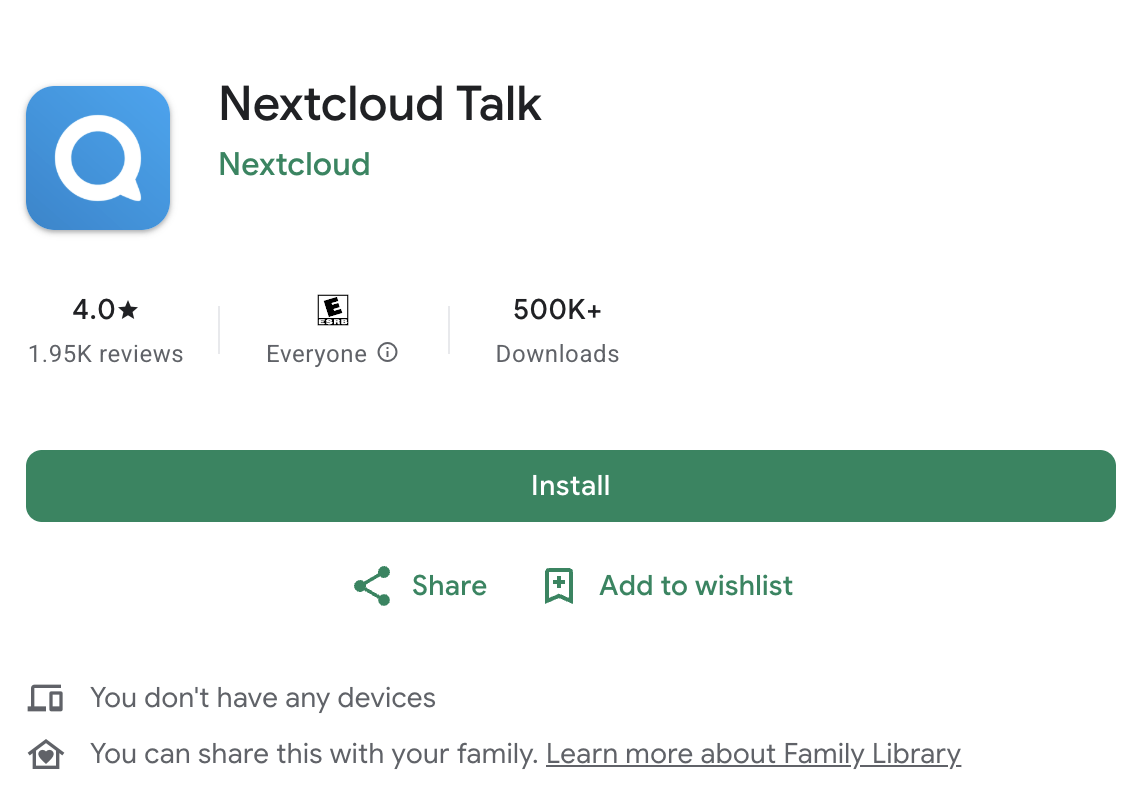
- Apple: https://apps.apple.com/us/app/nextcloud-talk/id1296825574 & Tap Get
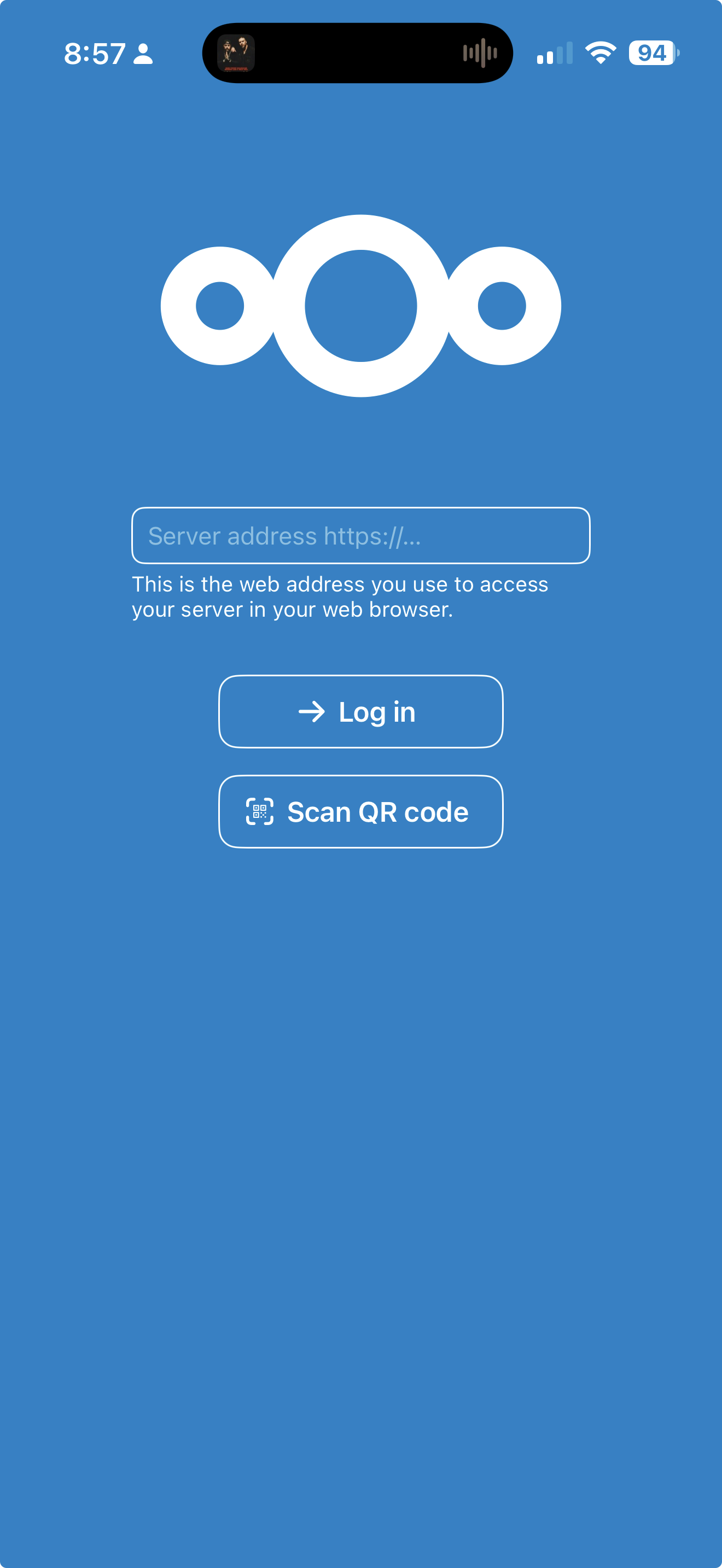
- Open app
- Enter Server address: cloud.dctechit.com & click Login
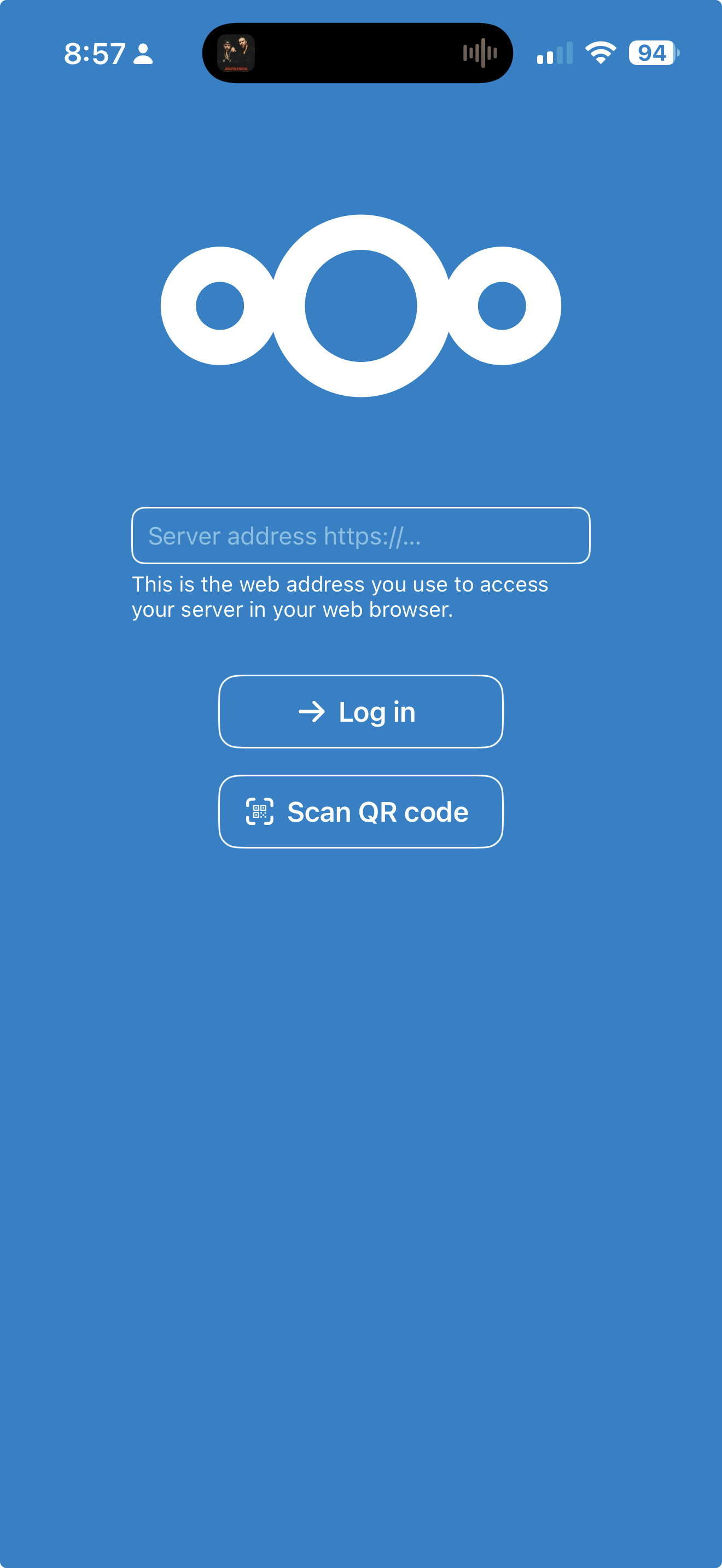
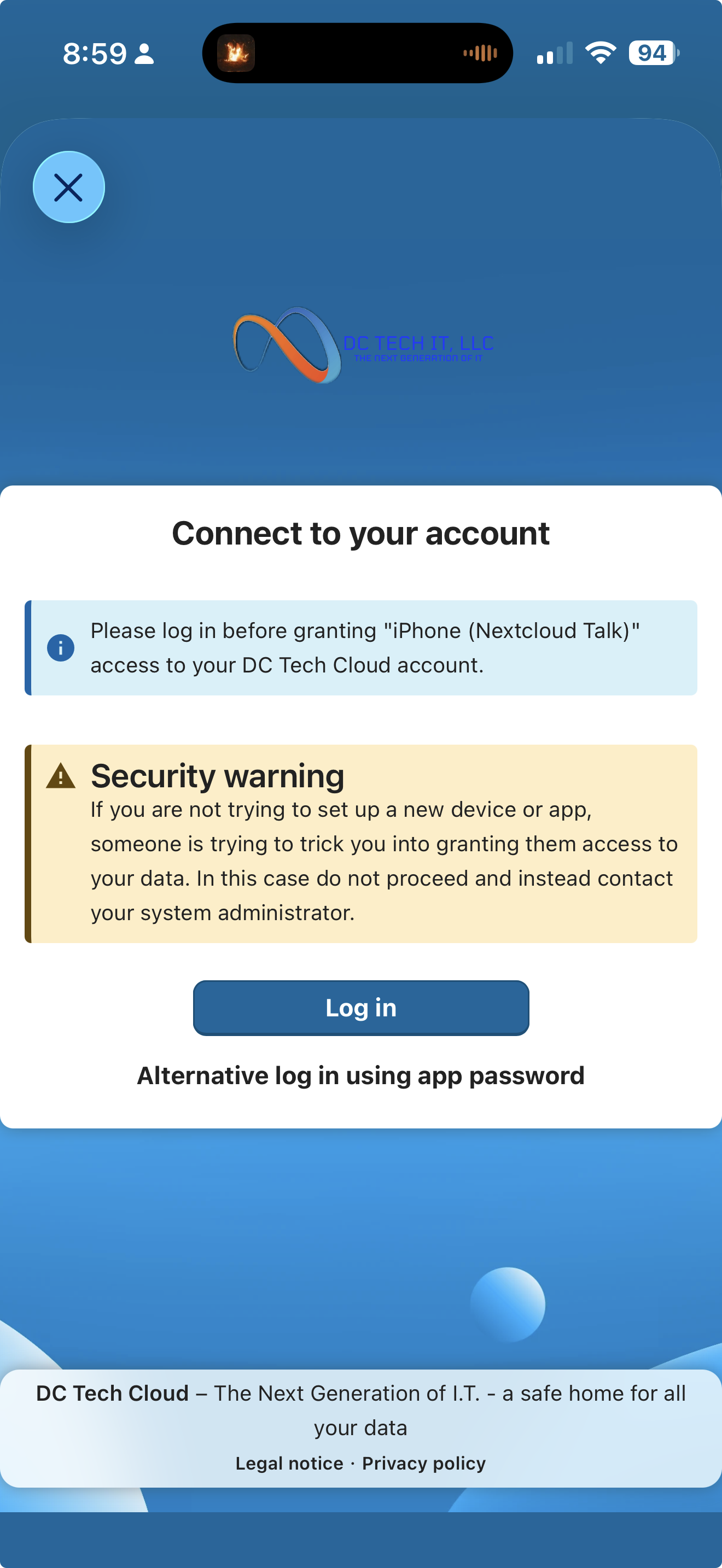
- Click Login
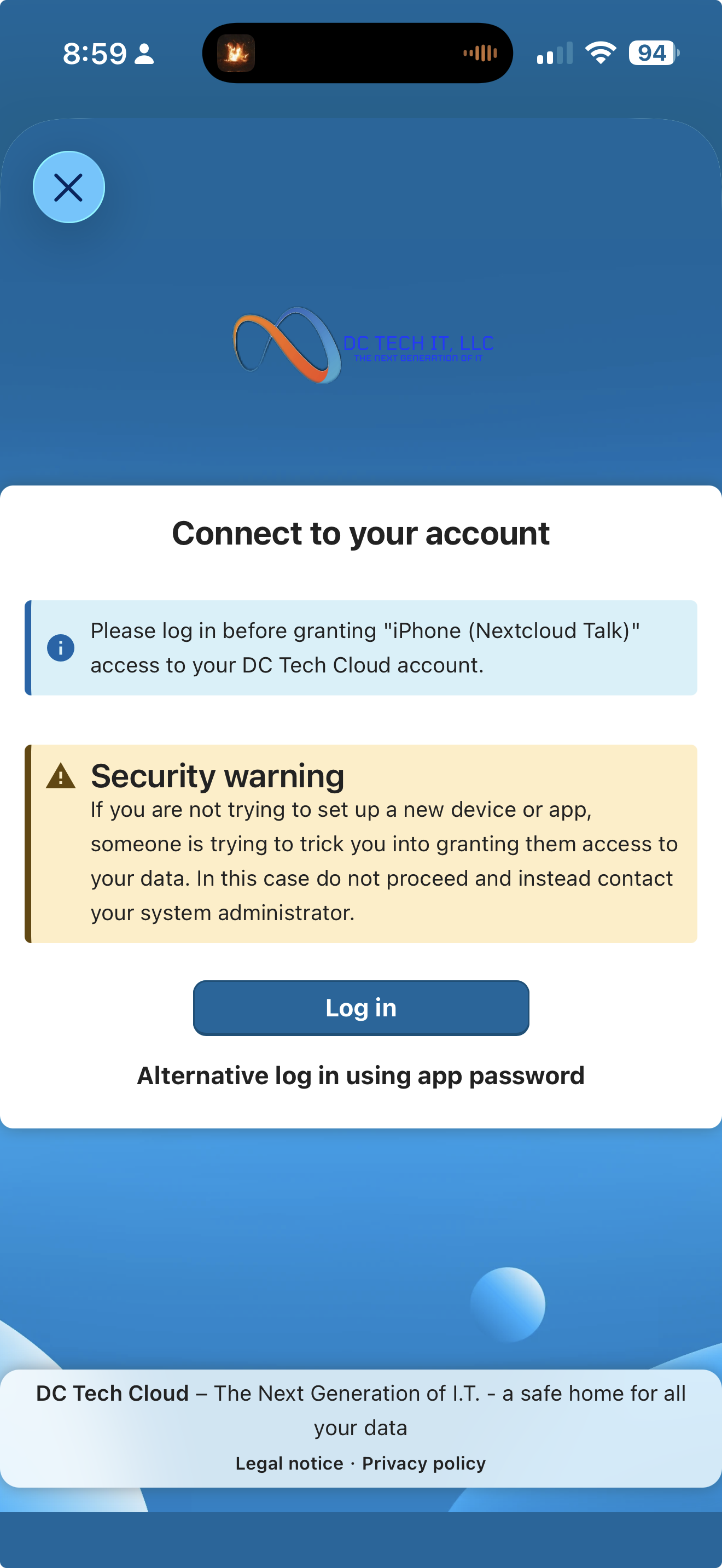
-
Click Login with DC Tech SSO
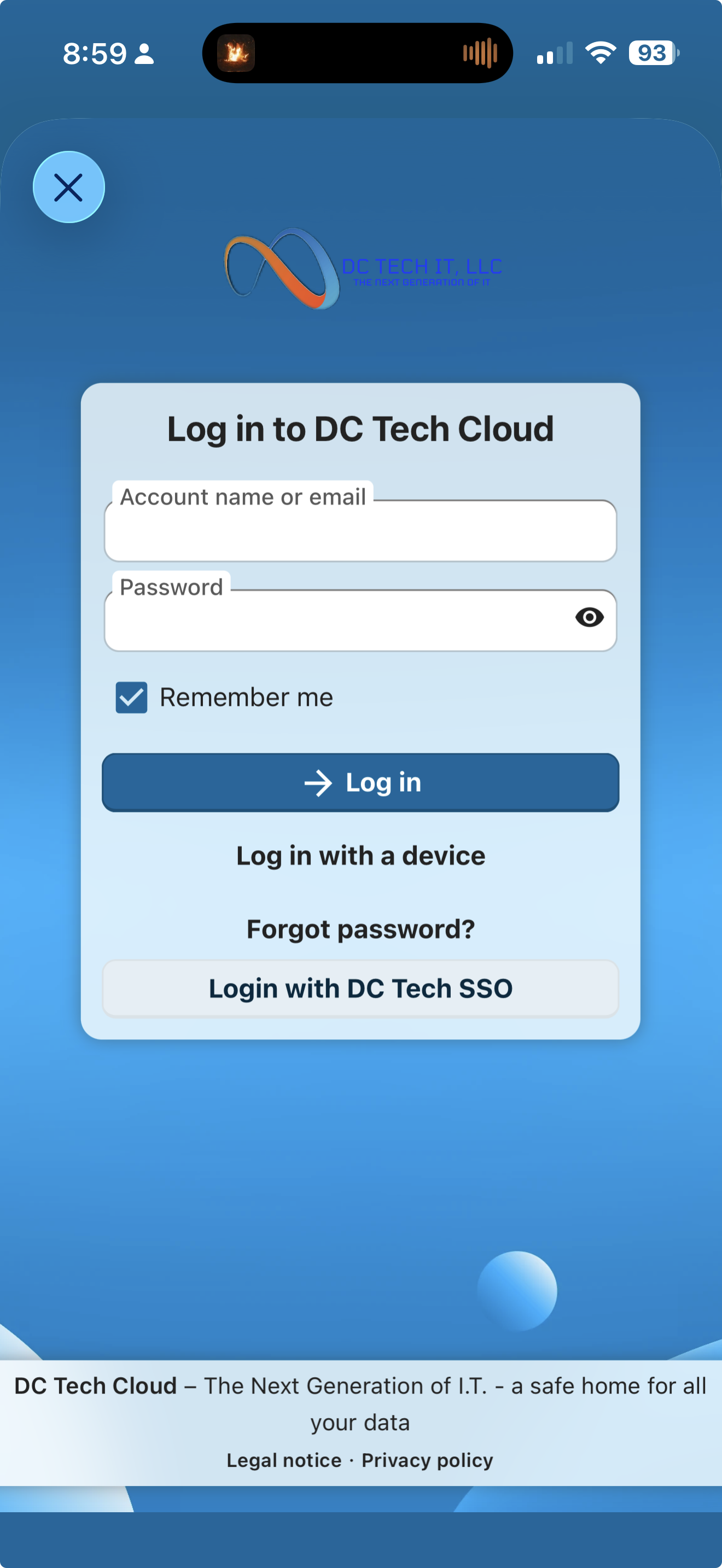
- Login to SSO
Visit this article on how to login to SSO: ENTER ARTICLE LINK HERE - Click Grant Access
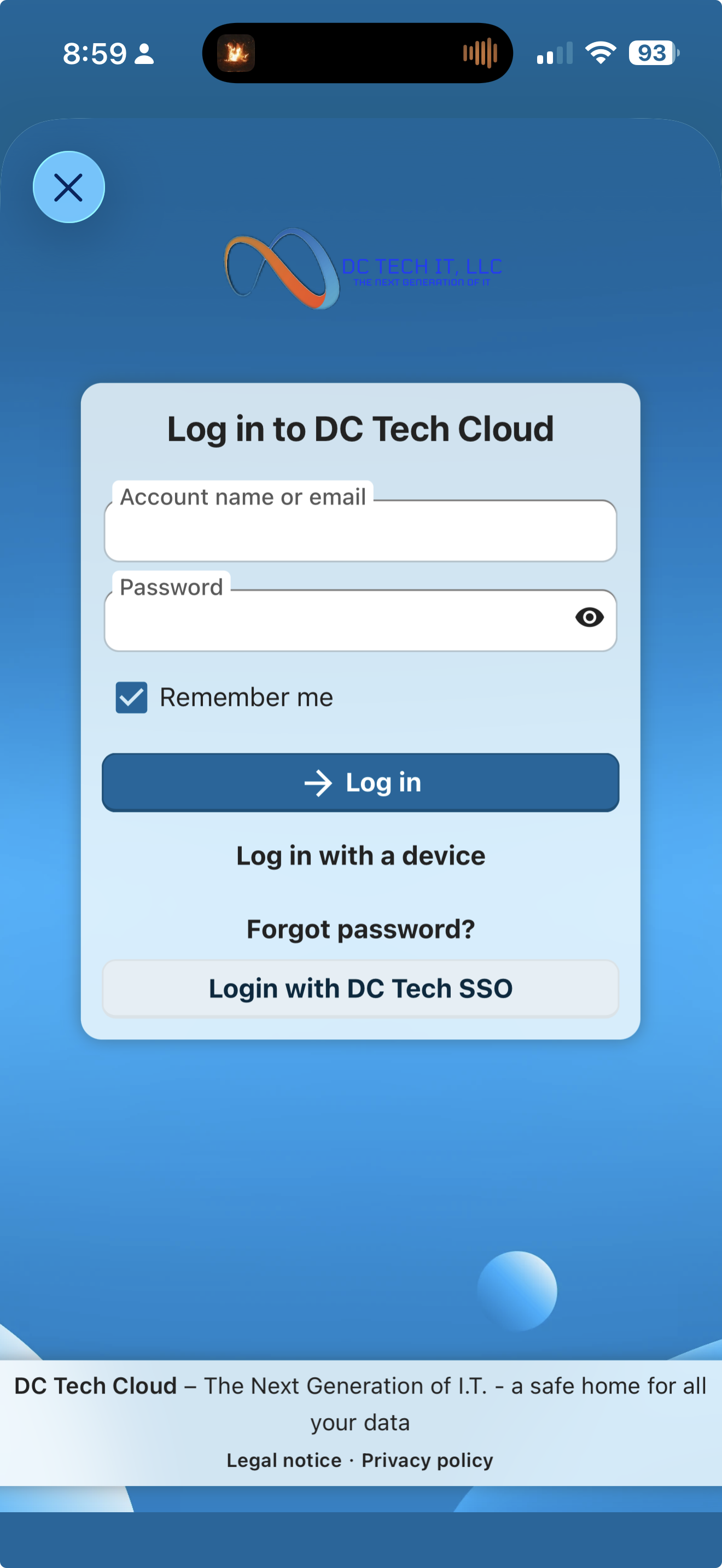
- Congratulations you are now logged in!
- Visit the app store & install app